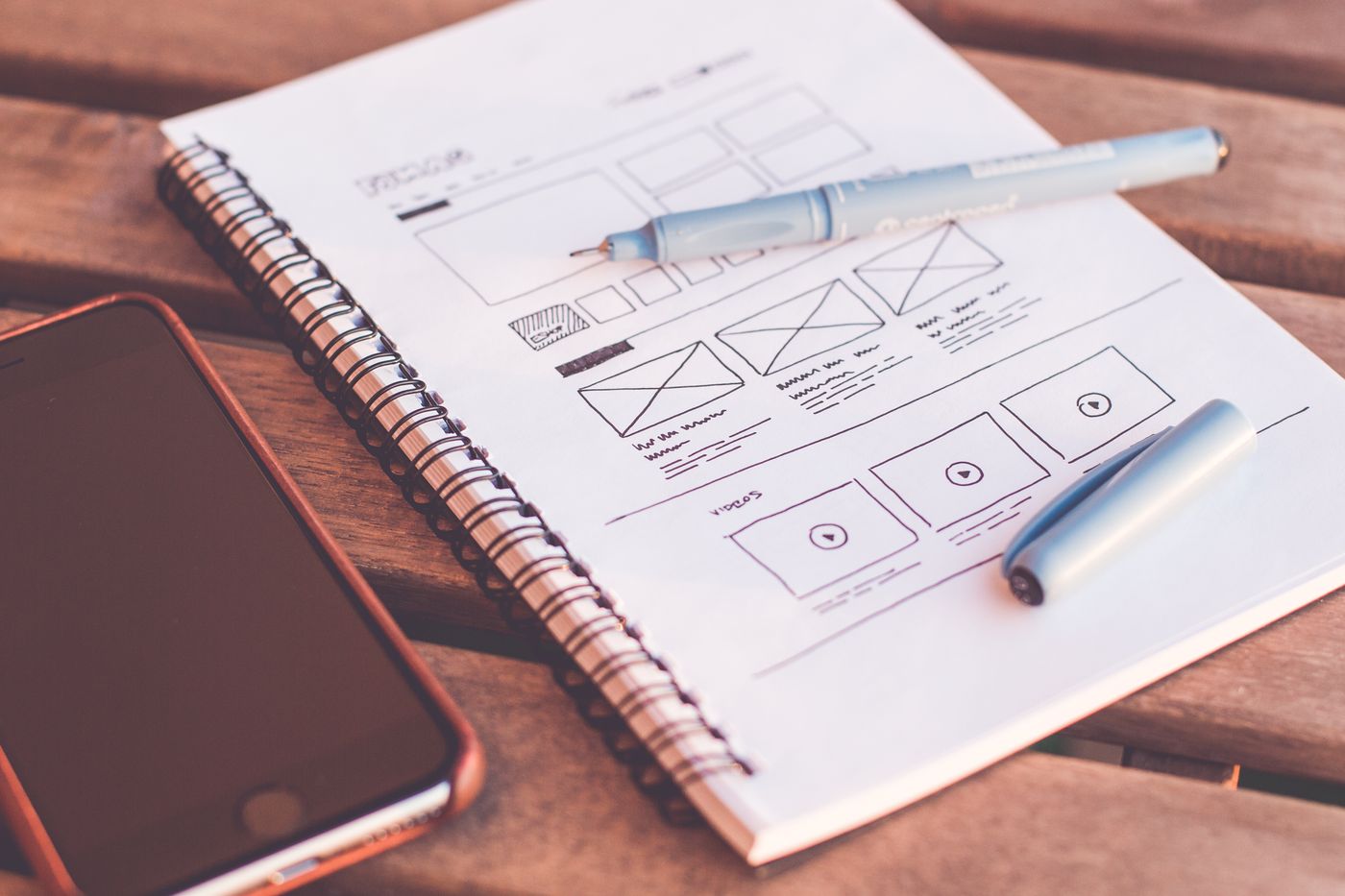
Put the mouse aside and open your homepage. Press Tab to move through the controls, then Shift+Tab to move backward. Can you see where you are? Can you reach the menu, follow a link, and complete a form? This simple exercise often exposes problems hidden during ordinary mouse use.
Keyboard access matters to people using many kinds of input, including assistive technologies. W3C's keyboard criterion requires functionality to be operable through a keyboard interface, with a limited exception for genuinely path-dependent input such as freehand drawing.
Follow one complete task
Choose a meaningful route rather than tabbing randomly. Try opening a service page, starting an inquiry, correcting an error, and submitting a test message. Check that focus moves in an understandable order and remains visible against the page background.
Links and buttons have different purposes. A link takes the visitor somewhere; a button performs an action. Using native HTML elements appropriately gives developers a better starting point than making ordinary text or a decorative box respond only to clicks.
Inspect the difficult components
Menus, dialogs, carousels, and custom selectors deserve particular attention. Can a keyboard user open and close them? Does a dialog receive focus and return it sensibly when dismissed? Can the visitor leave every component rather than becoming trapped inside it?
A hover-only dropdown is a warning sign. So is a close icon that cannot be reached by Tab. Ask for the actual behavior to be tested, not just for a focus outline to be added to a control that still does not work.
Give the developer a reproducible report
Record the page, key sequence, and point where the task stops. “Tab reaches the menu button, Enter opens it, but the next Tab skips all menu links” is specific enough to investigate. A short screen recording can help when focus disappears during an animation.
Test again after the fix, including the route back out. Automated accessibility checks are useful, but they cannot tell you everything about whether a multistep task makes sense. Pair them with manual keyboard testing on representative pages.
Keep visible focus styles in the finished design. Removing them because they look unfamiliar may make the page tidier for a mouse user while making it much harder for somebody else to know what will happen when they press Enter.