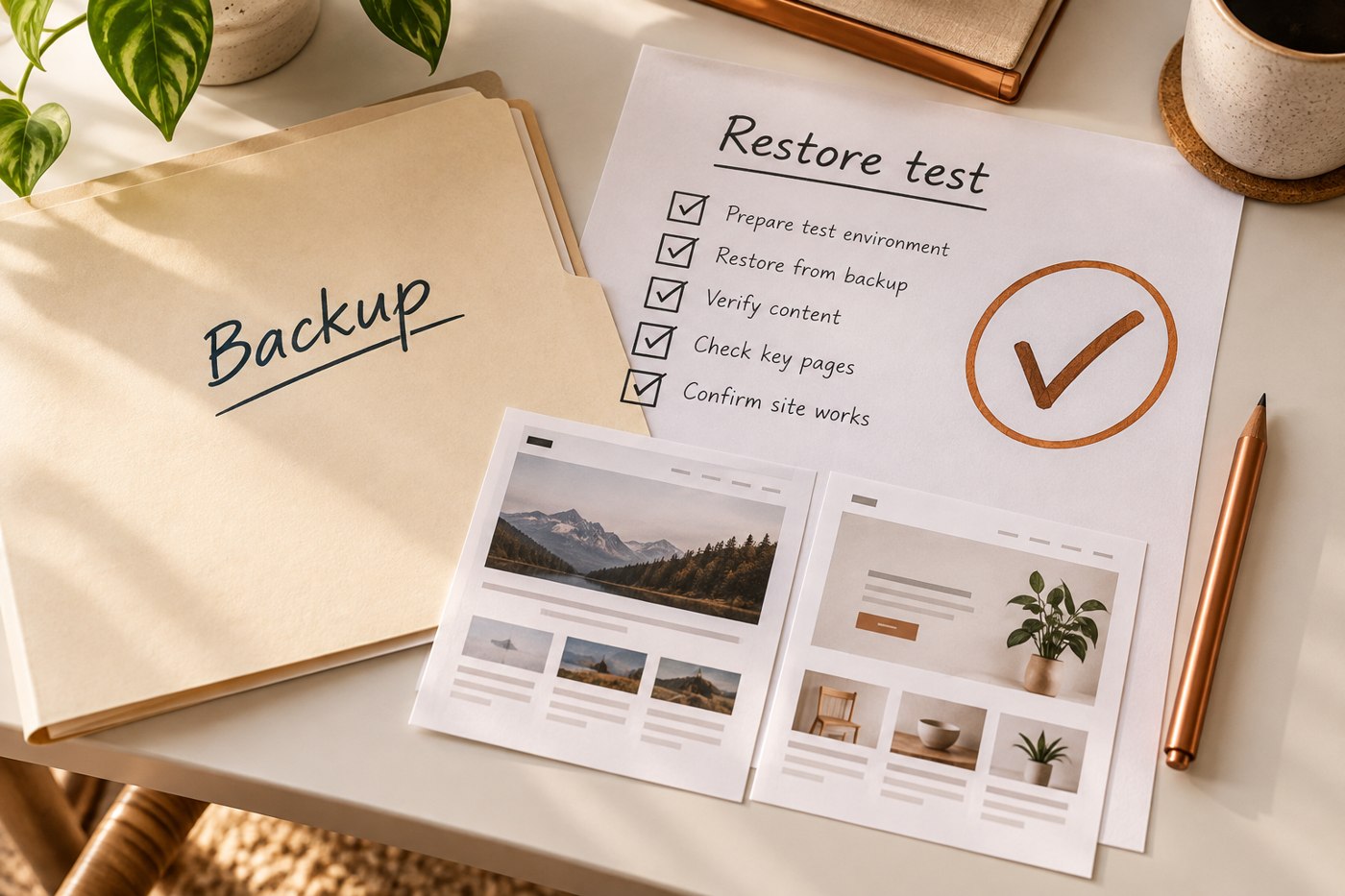
A backup report saying “completed” tells you that a process finished. It does not tell you whether the right information was included, whether the credentials still work, or whether the restored site can send an inquiry. A restore test turns those assumptions into observations.
Choose a recent backup and a safe destination separate from the live website. Write down the backup date and the expected scope. If you are unsure how to create an isolated environment, ask the person responsible for hosting to prepare it before proceeding.
Prevent the test from acting like the live business
A restored store may contain automatic emails, integrations, or scheduled tasks. Disable real outward actions before running it. Use test payment credentials and fictional customer records where the platform supports them. Restrict access to the test copy, especially if it contains confidential information.
Start a timer when the recovery process begins. Record the steps that require help, missing credentials, or undocumented settings. The elapsed time is useful even if the test succeeds; it reveals how long the business might be unable to use the site during a real incident.
Check more than the homepage
Open representative page types and images. Sign into the editor using an authorized account. Confirm that recent content appears, that internal links point to the test environment where intended, and that forms reach a safe test destination. For a database-backed site, inspect a few representative records rather than judging only the visual layout.
Compare the restored version with the date of the backup. A missing change from yesterday may be expected if the backup was taken last week. A missing image from last month may indicate an incomplete backup. Distinguishing these cases prevents an ordinary age difference from masking a genuine gap.
Record the recovery limit
Note what the backup does not cover. Email mailboxes, external booking records, or files held in another service may need separate recovery arrangements. Also record how data created after the backup would be reconciled. A restore is not automatically a safe way to reverse a live store change if it discards newer orders.
Save a brief result: backup used, environment, checks completed, problems, and corrective actions. CISA's backup guidance supports testing restoration as part of recovery planning. Repeat the exercise after major changes to hosting or the site's structure, and on a schedule appropriate to how much the business depends on it.
Remove the test environment when its purpose is finished, following the agreed handling of any copied data. Keep the lesson and the recovery instructions, not an abandoned public duplicate of the site.