An inbox full of folders named after senders can still leave you unsure what needs doing today. A message from a supplier might require approval, contain a receipt, or simply confirm something already finished. The sender does not tell you the next action.
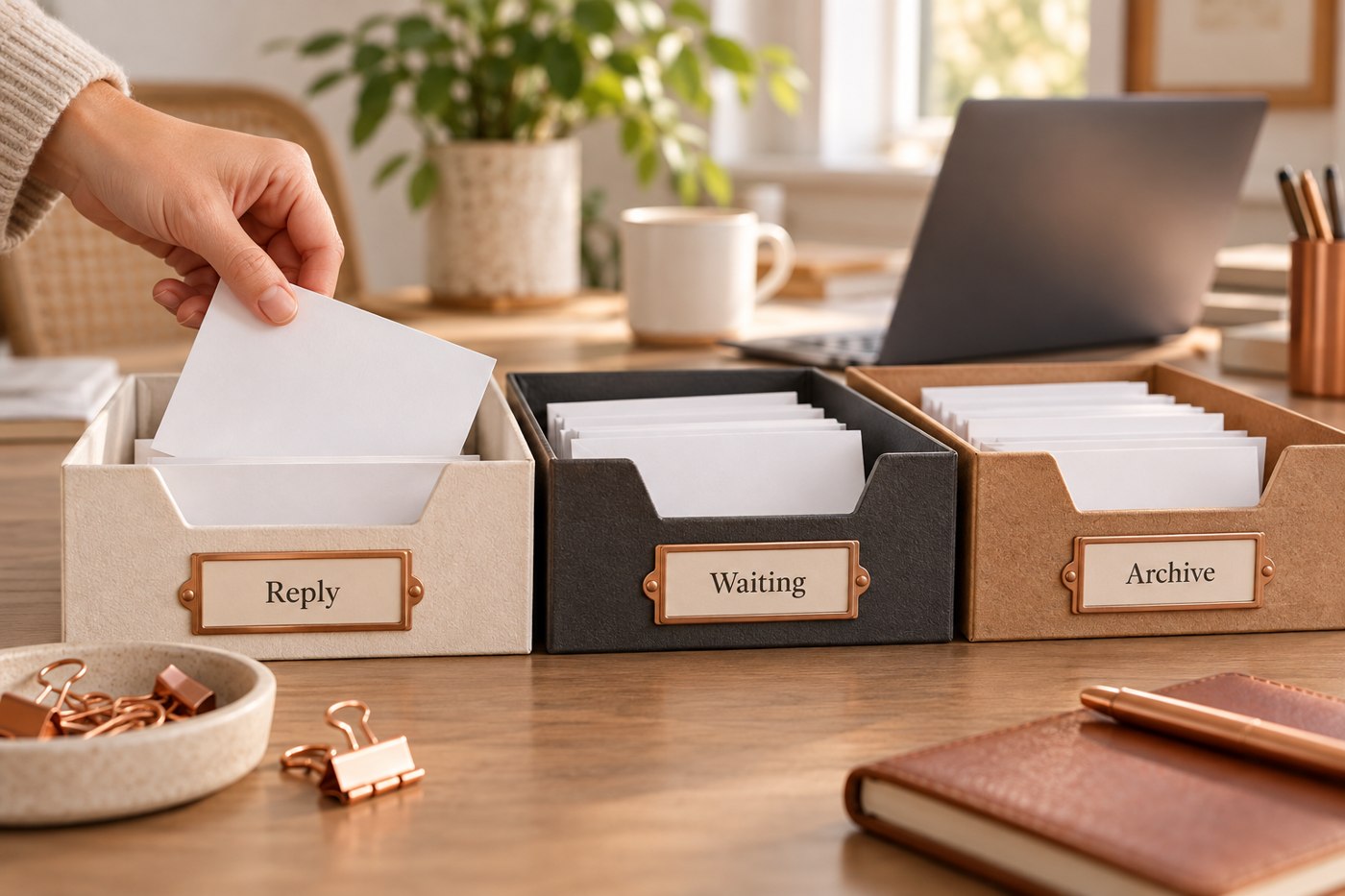
Try organizing active email around work instead. You might use an action folder for messages needing your response and a waiting folder for items awaiting someone else. Keep the names and number small enough that filing takes seconds rather than becoming another project.
Move a message into an action category only after identifying the action. “Review the revised proof by Thursday” is more useful than a vague feeling that the message is important. If the task requires several steps, put it in the task system you actually review and link or refer back to the email.
For waiting items, record who owes the next response and when you will check again. A waiting folder without a review habit becomes a second archive of forgotten conversations. Choose a regular moment to revisit it.
Keep reference material separate
Completed messages can usually leave the active inbox. Use archive and search where the email system supports them well. Create subject or project folders only when they help retrieve a body of work you genuinely use together.
Do not interpret archiving as a retention policy. Some records need to be kept for business or legal reasons, while other information should not remain indefinitely. Follow the business's actual requirements and approved storage arrangements.
Test automatic rules carefully. A rule that moves every supplier email out of the inbox may also hide an urgent delivery problem. Start with low-risk recurring messages and inspect the destination during the trial.
Leave room for exceptions instead of building dozens of overlapping rules. If a message could fit several places, choose the one that reflects what happens next. The purpose is to make unfinished work visible, not to create a perfect classification of every relationship.
After a week, check whether fewer messages are being lost and whether the action categories remain manageable. If the folder contains hundreds of items, it needs prioritization or a different task process. A tidy inbox is useful only when it helps you act and retrieve information reliably.