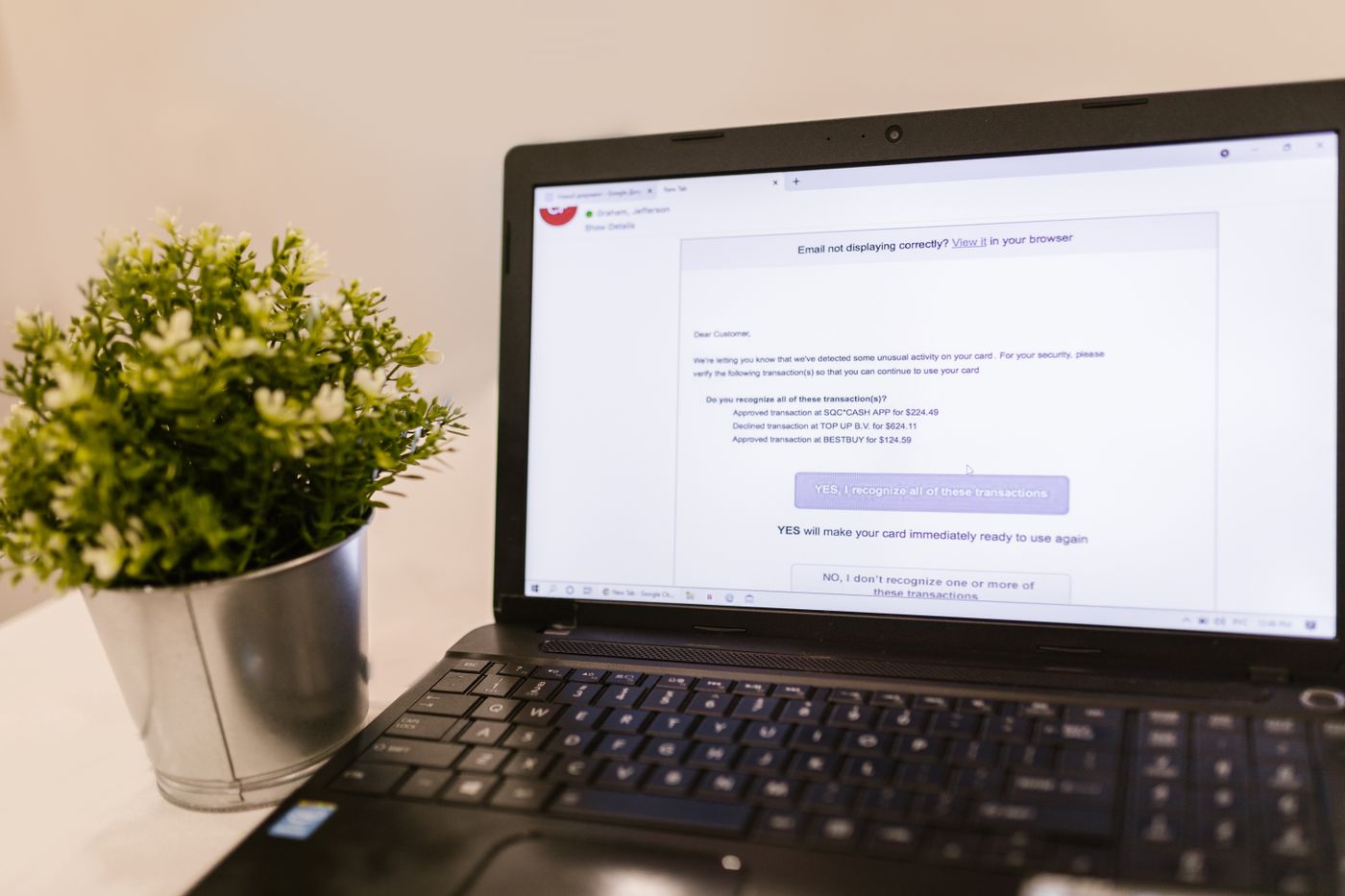
When every tool announces every change, important messages become harder to notice. Reducing notification noise is not the same as switching everything off. It means deciding which events need an interruption and which can wait for a regular review.
For a few days, note the alerts you receive and what you do with them. Separate immediate action, useful later information, and messages you routinely dismiss. Include email, chat, desktop, and phone notifications, because the same event may appear in several places.
Choose a primary route for each important event. A customer-support assignment might belong in the shared inbox, while a failed booking integration may need an operational alert. Sending every event to email, chat, and a phone can create repetition without improving responsibility.
Keep security warnings, service failures, and other genuinely time-sensitive notifications visible to the appropriate people. Assign coverage so silencing one person's device does not leave the business without anyone watching a critical channel. Test the route after changing settings.
For routine project updates, consider a digest or a scheduled check if the tool supports it and the work allows delay. Following every task in every project is rarely necessary. Watch the items you own or must review, and use a clear escalation process for exceptions.
Agree on team expectations. If chat is checked at intervals, colleagues should know which channel to use for an urgent operational issue. Otherwise people may compensate for quiet notifications by sending more messages everywhere.
Change one group of settings at a time and observe the effect. Check for missed assignments, not just fewer interruptions. A calmer screen is not an improvement if customer inquiries are left unanswered.
Review the setup when roles or tools change. An alert that was essential during a launch may no longer need to interrupt daily work. Remove obsolete subscriptions and project follows deliberately. The aim is a smaller set of signals that people trust enough to act on, supported by regular reviews for everything that does not need immediate attention.