Websites
Choosing photographs for a business website
Choose images that explain the work and fit the page, with permission and usage rights checked before publication.
Explore the topic
Build a site around the questions your customers need answered.
Websites
Choose images that explain the work and fit the page, with permission and usage rights checked before publication.
Websites
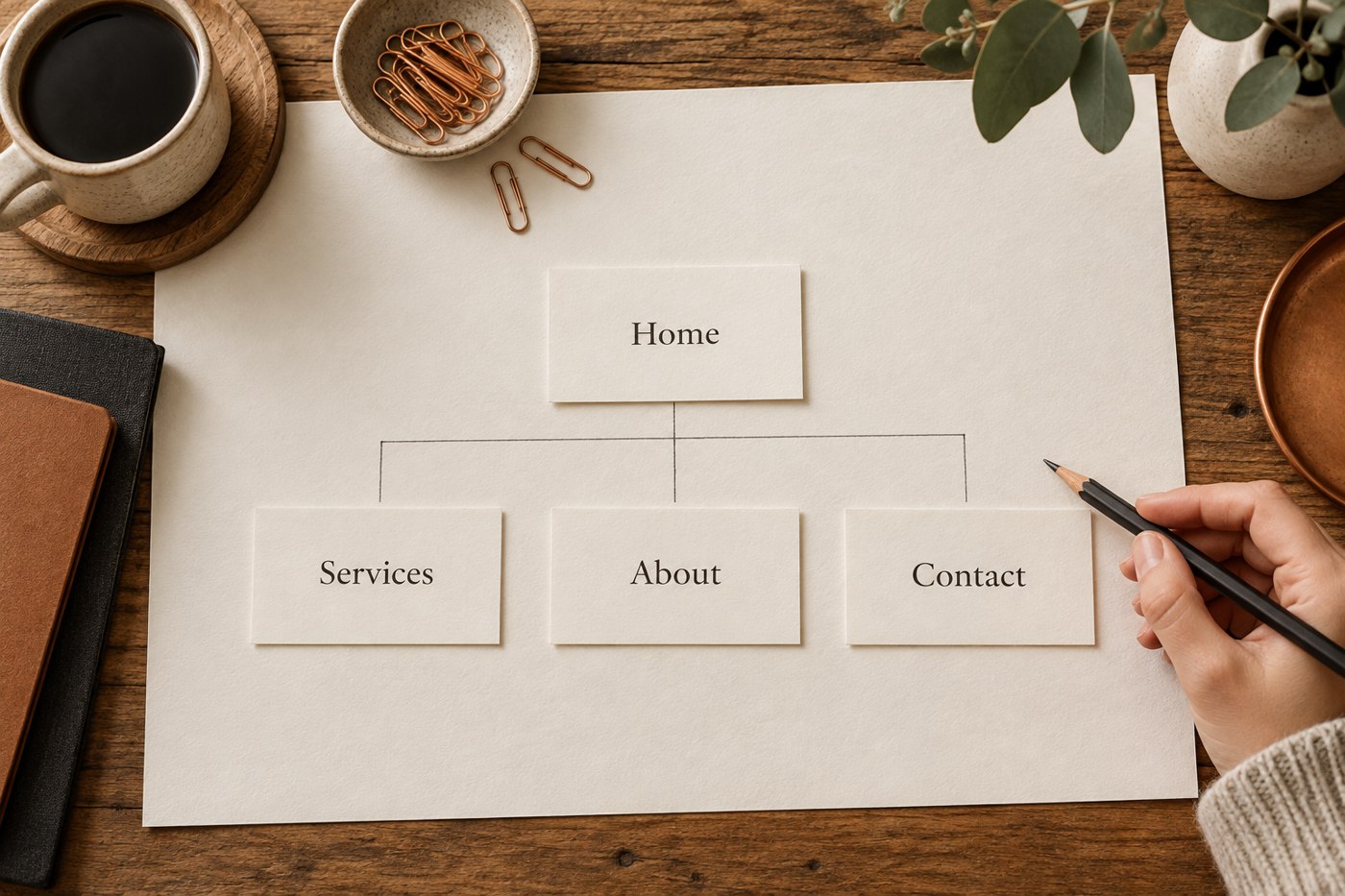
Use customer language and a visible hierarchy so the menu reflects the work people came to do.
Websites
A short brief should define the customer task, required content and working constraints before visual preferences take over.
Websites
Compare deliverables, responsibilities and ongoing costs so two proposals can be evaluated on the same basis.
Websites
Leave the handover with working access, a recoverable site and enough documentation to manage ordinary changes.
Websites
Build a maintenance routine around what can become inaccurate or stop working on your particular site.
Websites
Copy the parts needed for recovery and keep a clear boundary between your working version and the live website.
Websites
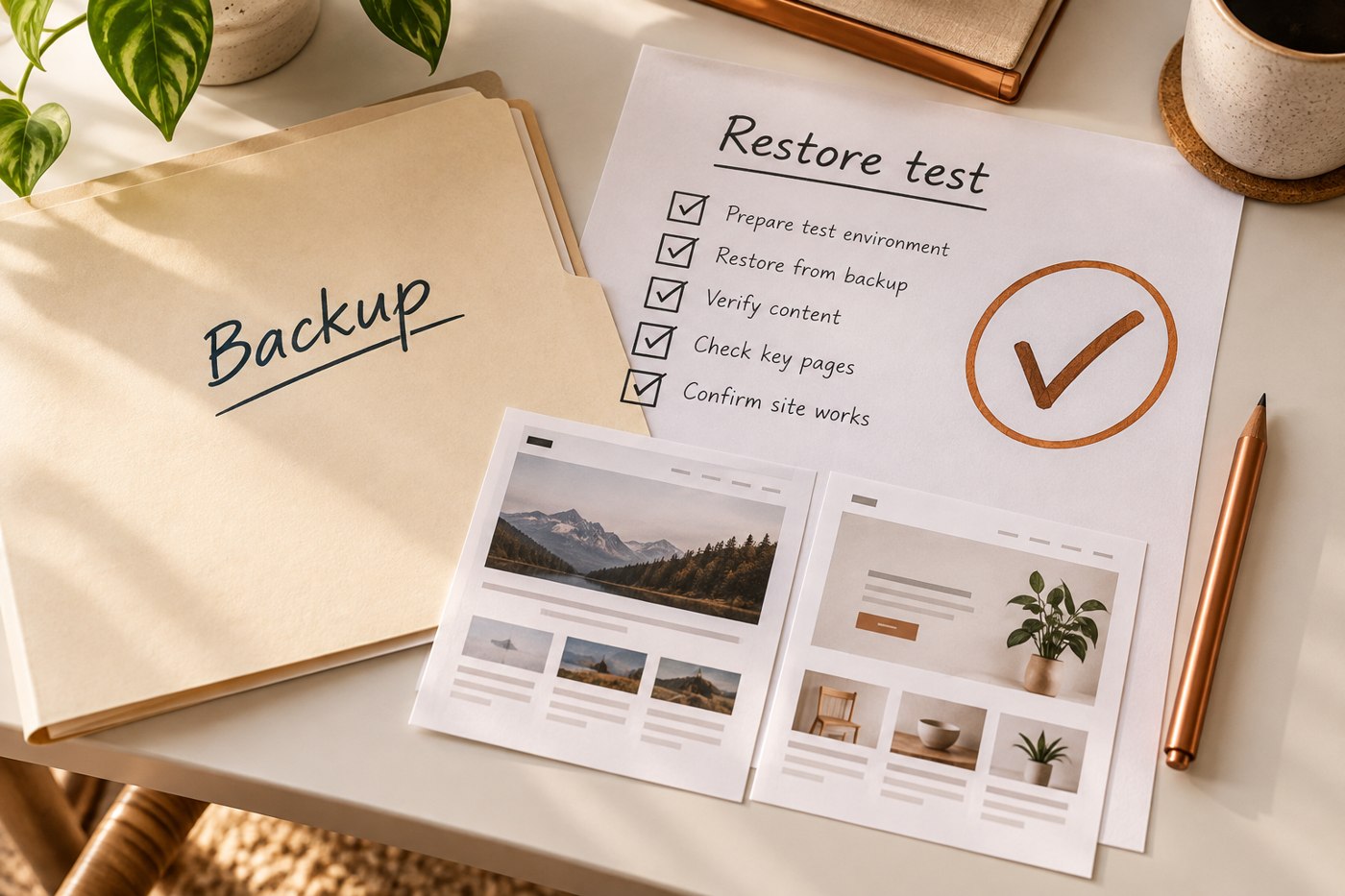
A restore test checks whether the saved files can become a working site, including the parts visitors rely on.
Websites
Inventory existing URLs and customer tasks before deciding what the new design should keep, combine or remove.