“Final-final-new” tells the story of an editing process without identifying the correct file. A better filename helps someone understand the project, the document's purpose, and its status before opening it.
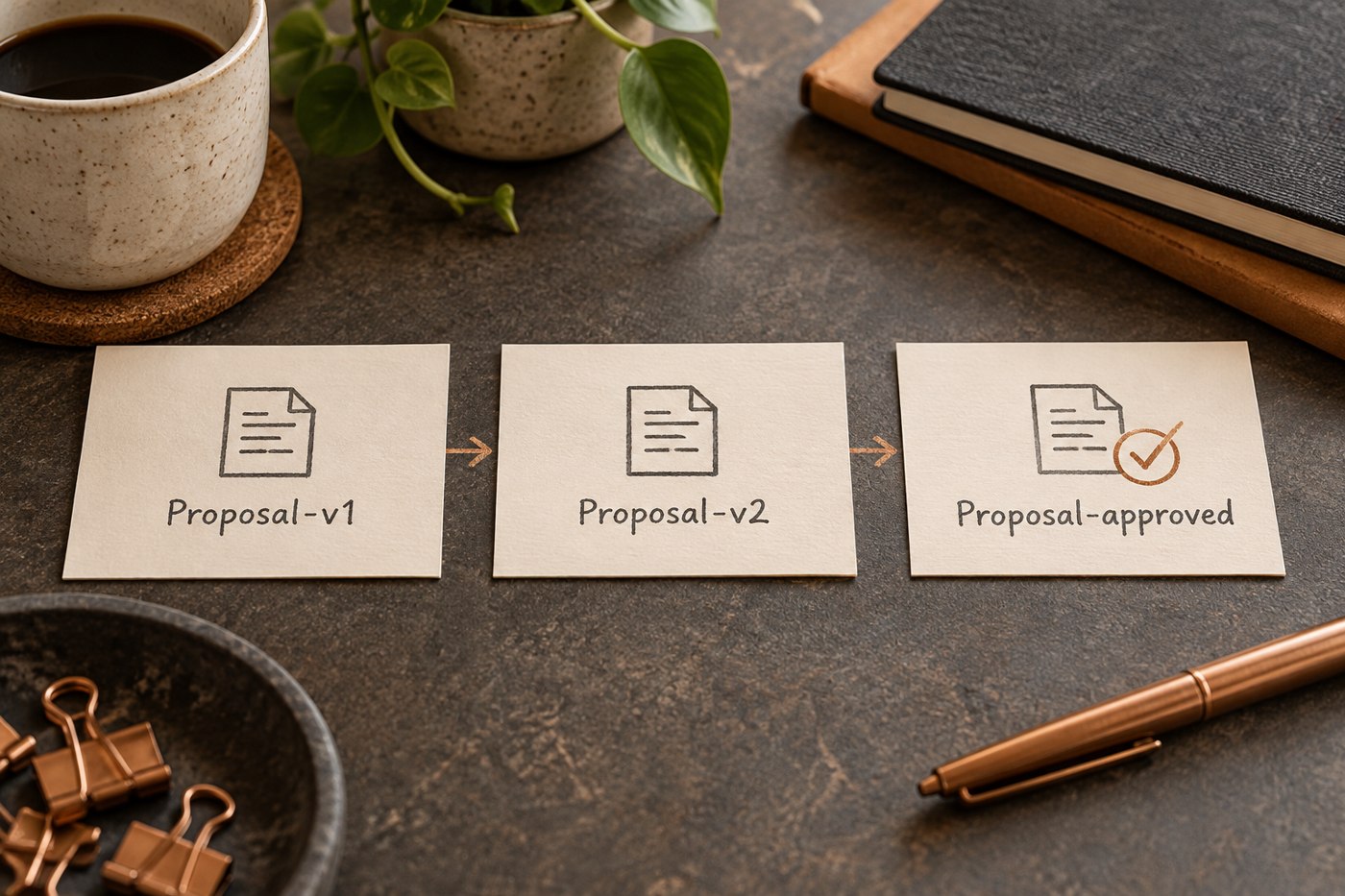
Use a few stable components. A proposal might be named Cedar-Website-Proposal-v03.docx, while an approved export could be Cedar-Website-Proposal-Approved-2026-11-06.pdf. The example is not a universal naming rule; choose the components your team actually needs.
Keep the order consistent within a project or document type. If dates are useful for sorting, a year-month-day format avoids ambiguity between regional date conventions. Use meaningful words instead of personal abbreviations that a new colleague cannot decode.
Distinguish a working revision from an approved deliverable. A larger version number does not always mean a file is approved. Record approval through the team's agreed process and make the status clear in the location or name of the distributed copy.
When a collaborative tool provides version history, use it rather than creating a new file for every small edit. Still identify major exported deliverables clearly, because the recipient may not have access to that history.
Avoid including private customer information in filenames unless it is necessary and appropriate. Names can appear in notifications, shared links, and download lists beyond the immediate document view. A project identifier may be sufficient.
Test names in the environments where files will move. Very long paths, unsupported characters, or inconsistent case can create problems across systems. Keep the convention simple enough for email attachments and external collaborators as well as your own storage.
Write three examples in the team's instructions: a working file, an approved file, and a corrected approved file. Explain where obsolete copies go and how someone learns that a replacement exists. Renaming a document does not notify the people who already downloaded it.
After adopting the convention, apply it to new work first and repair older material where confusion is likely. Renaming an entire archive without checking links and references can cause more disruption than it solves. The purpose is to reduce mistaken use, not to make every historical filename perfectly uniform.